Modern large-scale cloud data center interior with rows of illuminated server racks, blue and green LED indicators, cable management systems, and glass partitions
Public cloud storage has become the backbone of modern data infrastructure, powering everything from smartphone photo backups to enterprise disaster recovery systems. Unlike traditional on-premises storage that requires purchasing and maintaining physical hardware, public cloud storage lets organizations and individuals rent storage capacity from providers who manage massive data centers distributed globally.
This shift reflects a fundamental change in how businesses think about data infrastructure. Instead of capital expenditures on server rooms and storage arrays, companies now pay only for what they use, scaling up during peak periods and down during quiet times. For individuals, this means never worrying about running out of phone storage or losing family photos to a hard drive failure.
What Is Public Cloud Storage and How Does It Work
By 2026, over 85% of enterprises will have adopted a cloud-first principle, with public cloud storage serving as the foundational layer for digital transformation initiatives
— Lydia Leong
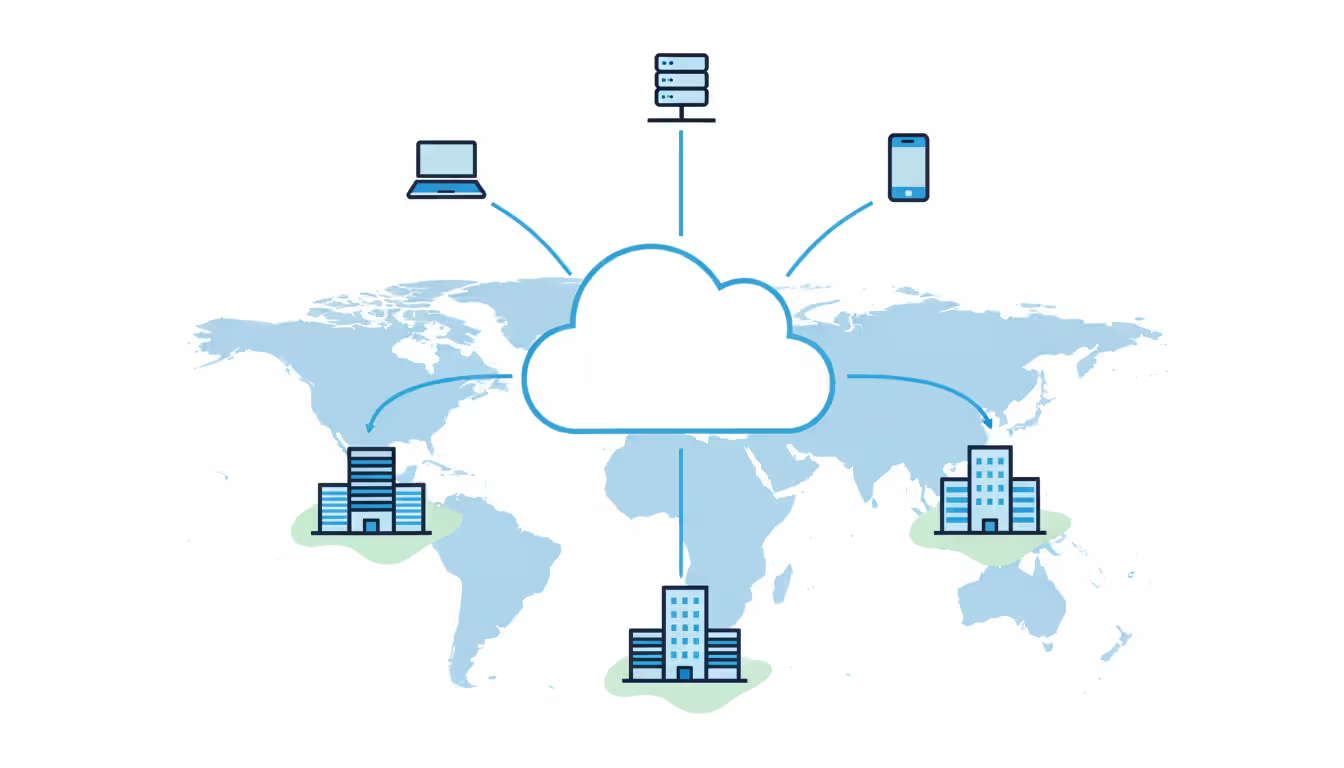
Public cloud storage operates on a multi-tenant architecture where multiple customers share the same physical infrastructure while maintaining logical separation of their data. Providers like Amazon Web Services (AWS), Google Cloud Platform, and Microsoft Azure maintain vast networks of data centers across multiple geographic regions, each containing thousands of storage servers.
When you upload a file to public cloud storage, the provider typically replicates it across multiple physical locations automatically. AWS S3, for example, stores each object across at least three availability zones within a region by default. This redundancy happens transparently—you interact with a single endpoint, but your data exists in multiple physical locations simultaneously.
The underlying technology varies by service type. Object storage services like AWS S3, Google Cloud Storage, and Azure Blob Storage treat each file as a discrete object with metadata and a unique identifier. These systems excel at storing unstructured data like images, videos, backups, and log files. Block storage services like AWS EBS attach to virtual machines similarly to traditional hard drives, offering lower latency for database workloads.
Public cloud infrastructure services deliver this storage through APIs and web interfaces. A developer might use a REST API to programmatically upload millions of files, while a marketing team might use a web console to manually organize campaign assets. This flexibility makes the same infrastructure suitable for vastly different use cases.
Pricing typically follows a consumption model with several components: storage capacity per gigabyte-month, data transfer out of the cloud, API request counts, and optional features like versioning or lifecycle management. A startup might pay $20 monthly for a few hundred gigabytes, while an enterprise streaming service could spend millions on petabytes of content delivery.
Author: Chloe Bramwell;
Source: baltazor.com
Key Benefits and Limitations of Public Cloud Storage
The primary advantage is elasticity without planning. Traditional storage requires forecasting capacity needs months in advance, ordering hardware, waiting for delivery, and installing equipment. Public cloud storage scales instantly—upload a terabyte today, delete it tomorrow, and pay only for actual usage. This eliminates the common scenario where companies overprovision by 40-60% to accommodate uncertain growth.
Cost efficiency stems from shared infrastructure economics. Providers achieve economies of scale impossible for individual organizations. They negotiate bulk power contracts, optimize cooling systems across millions of servers, and spread facility costs across thousands of tenants. These savings translate to storage prices that have dropped roughly 70% since 2020.
Accessibility represents another major benefit. Data stored in public clouds is available from anywhere with internet connectivity. A sales team can access presentation materials from client sites, remote developers can retrieve code repositories, and disaster recovery systems can fail over to different geographic regions within minutes. Many providers offer 99.99% availability SLAs, meaning less than one hour of downtime annually.
Maintenance burden shifts entirely to the provider. They handle hardware failures, security patches, firmware updates, and capacity planning. When a storage server fails, automated systems redistribute data without customer intervention. This frees internal IT teams to focus on application development rather than infrastructure management.
However, limitations exist. Security concerns top the list for many organizations. While providers implement robust security controls, the shared infrastructure model means your data resides on systems accessible to provider employees and potentially vulnerable to multi-tenant attacks. Compliance requirements for industries like healthcare and finance may prohibit storing certain data types in public environments.
Author: Chloe Bramwell;
Source: baltazor.com
Customization options are limited compared to private infrastructure. You cannot modify the underlying storage system, install custom hardware accelerators, or implement proprietary data protection schemes. The provider's feature set defines what's possible.
Vendor lock-in poses long-term risks. Each provider uses proprietary APIs and services. Migrating petabytes of data between providers can take weeks and cost tens of thousands in egress fees. Applications built around provider-specific features require significant refactoring to move elsewhere.
Performance variability affects some workloads. Shared infrastructure means "noisy neighbor" problems where other tenants' activity impacts your performance. Latency to public cloud storage exceeds local storage, making it unsuitable for applications requiring sub-millisecond response times.
Public Cloud vs Private Cloud vs Hybrid Cloud Storage
Understanding the architectural differences between cloud models helps organizations make informed infrastructure decisions. Each model involves trade-offs between control, cost, and operational complexity.
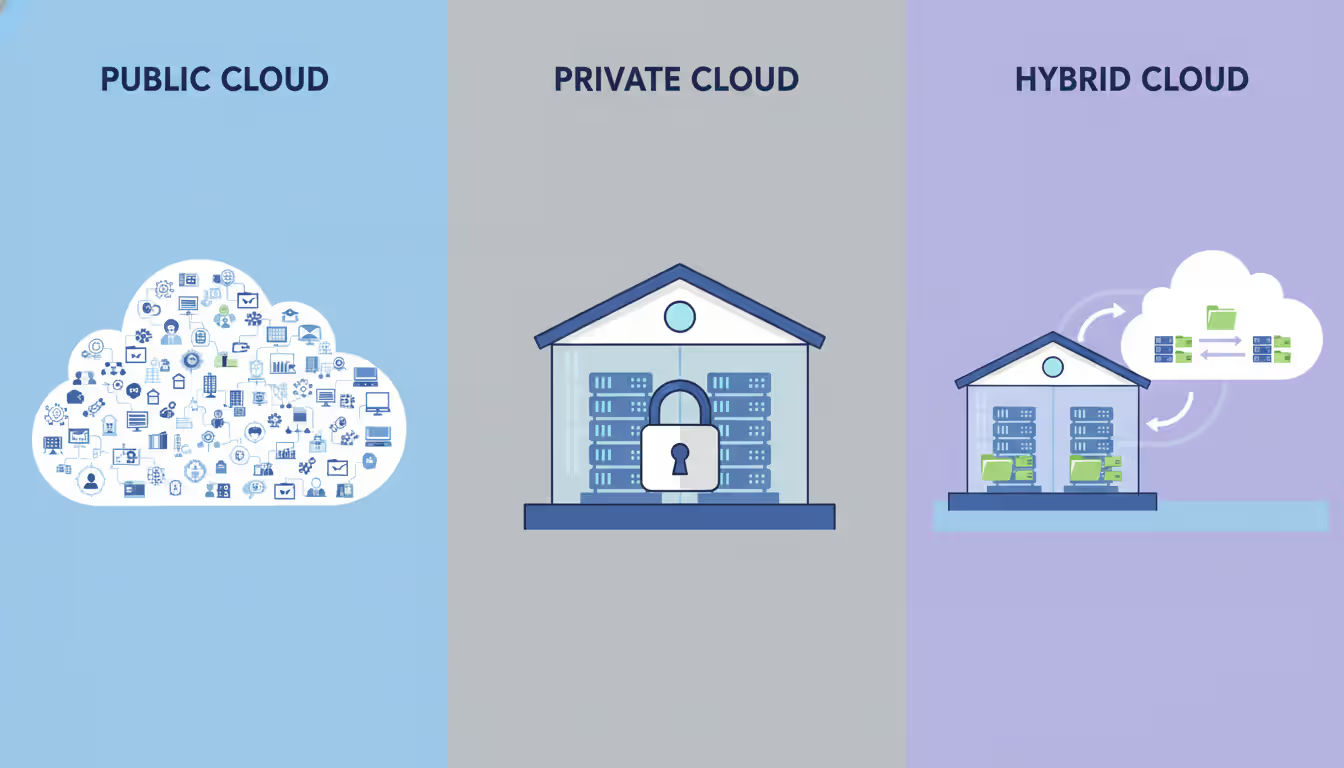
Private cloud storage runs on dedicated infrastructure, either on-premises or in colocation facilities. The organization owns or leases the hardware exclusively. This provides maximum control over security configurations, network topology, and performance tuning. Financial institutions often choose private clouds for core banking systems handling sensitive transaction data.
Hybrid cloud storage combines public and private infrastructure, typically keeping sensitive data on-premises while using public clouds for less critical workloads or burst capacity. A hospital might store patient records in a private cloud for HIPAA compliance while using public cloud storage for medical imaging archives and research data.
Feature
Public Cloud
Private Cloud
Hybrid Cloud
Cost structure
Pay-per-use, operational expense
High upfront capital expense, ongoing operational costs
Mixed model with both capex and opex
Scalability
Virtually unlimited, instant
Limited by purchased capacity, requires planning
Flexible with public cloud for overflow
Security control
Shared responsibility, limited customization
Complete control over all security layers
Granular control over data placement
Maintenance responsibility
Provider manages everything
Organization manages all infrastructure
Split between internal team and provider
Customization
Limited to provider features
Full hardware and software customization
Customizable on-premises, standard in cloud
Compliance suitability
Varies by industry and provider certifications
Ideal for strict regulatory requirements
Allows compliance-sensitive data segregation
Typical use cases
Startups, web applications, content delivery, development/test
When to Choose Public Cloud Over Private or Hybrid
Public cloud storage makes sense when workload demands fluctuate significantly. E-commerce sites experiencing 10x traffic during holiday sales can temporarily scale storage for increased transaction logs and customer uploads without maintaining that capacity year-round. Similarly, media companies rendering video projects can store raw footage in public clouds during production, then delete it after project completion.
Startups and small businesses benefit most from public cloud economics. Building a private cloud requires minimum investments of $100,000-$500,000 for viable infrastructure, plus dedicated staff. Public clouds eliminate these barriers, letting two-person startups access enterprise-grade storage for under $100 monthly.
Geographic distribution needs favor public clouds. Providers maintain data centers across 20-30 global regions. Serving users in Asia, Europe, and North America simultaneously requires either building facilities on three continents or using a public cloud with existing presence.
Development and testing environments suit public clouds perfectly. Developers can spin up storage for testing, run experiments, and delete everything without impacting production budgets. The ability to provision and destroy resources in minutes accelerates development cycles.
When Private or Hybrid Cloud Makes More Sense
Regulatory compliance often mandates private infrastructure. Government agencies handling classified information, healthcare providers managing protected health information under HIPAA, and financial institutions subject to specific data residency requirements may find public clouds unsuitable or require extensive configuration.
Predictable, steady workloads with high volume sometimes cost less on private infrastructure. If you consistently need 500 terabytes of storage with minimal fluctuation, purchasing dedicated hardware might cost less over three years than public cloud fees, especially when considering egress charges for frequently accessed data.
Performance-critical applications requiring consistent low latency benefit from private storage. High-frequency trading systems, real-time analytics platforms, and certain database workloads need guaranteed performance without multi-tenant variability.
Hybrid approaches work well for organizations with mixed requirements. Keep customer financial records in a private cloud while using public cloud storage for website assets, marketing materials, and archived data. This balances compliance needs with cost optimization.
Author: Chloe Bramwell;
Source: baltazor.com
Public Cloud Infrastructure Services Beyond Storage
Public cloud providers offer comprehensive infrastructure portfolios where storage integrates with compute, networking, and security services. Understanding these complementary offerings helps organizations build complete solutions rather than isolated storage implementations.
Public cloud hosting services let you run virtual machines, containers, and serverless functions alongside your storage. A typical web application might use object storage for user uploads, block storage for database volumes, and compute instances to run application code. These services interconnect through high-speed internal networks, avoiding internet bandwidth charges for internal traffic.
Compute services range from traditional virtual machines (AWS EC2, Azure Virtual Machines, Google Compute Engine) to container orchestration platforms (Kubernetes-based services) to serverless functions that execute code in response to storage events. For example, uploading an image to storage can automatically trigger a function that generates thumbnails and updates a database.
Networking services include virtual private clouds for isolated network environments, load balancers for distributing traffic, and content delivery networks for caching storage content near end users. A media streaming service might store video files in object storage, distribute them globally via CDN, and use load balancers to manage API traffic.
Database services complement storage for structured data needs. Managed relational databases (PostgreSQL, MySQL, SQL Server) handle transactional workloads, while NoSQL options (MongoDB, Cassandra, DynamoDB) scale horizontally for massive datasets. These databases use block storage for persistence while applications might store related files in object storage.
Public cloud firewall and security services protect infrastructure from threats. Network firewalls filter traffic between virtual networks and the internet. Web application firewalls protect against common attacks like SQL injection and cross-site scripting. Identity and access management services control who can access storage resources and under what conditions.
Monitoring and analytics services track storage usage, performance, and costs. CloudWatch (AWS), Azure Monitor, and Google Cloud Operations provide metrics on request rates, error counts, and latency. Cost management tools help identify expensive storage patterns and optimization opportunities.
Security Considerations for Public Cloud Storage
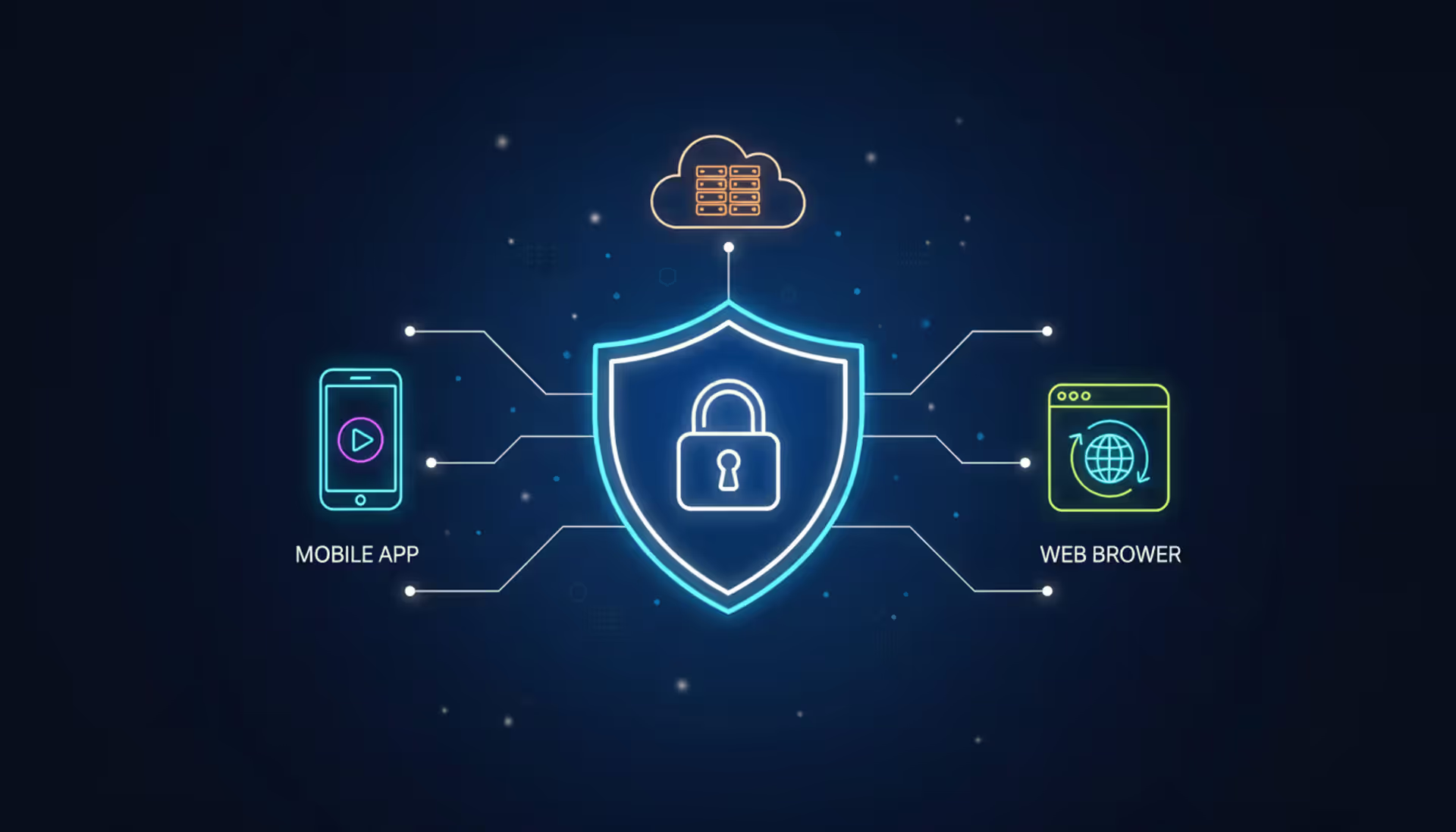
Security in public cloud storage follows a shared responsibility model. Providers secure the physical infrastructure, network, and hypervisor layers. Customers secure their data, applications, and access controls. Misunderstanding this division causes most cloud security incidents.
Encryption protects data at rest and in transit. All major providers encrypt data automatically using AES-256 encryption. However, providers manage the encryption keys by default, meaning they theoretically could access your data. For sensitive workloads, use customer-managed keys stored in hardware security modules that the provider cannot access. This ensures only you can decrypt your data.
Encryption in transit occurs automatically when using HTTPS endpoints, but some older applications might use unencrypted HTTP. Always verify your applications use TLS 1.2 or higher for data transfers. For extremely sensitive data, implement client-side encryption where data is encrypted before leaving your network.
Author: Chloe Bramwell;
Source: baltazor.com
Access controls determine who can read, write, or delete storage objects. Identity and Access Management (IAM) policies define permissions at granular levels. A common mistake is granting overly broad permissions—for example, giving an application full storage access when it only needs read access to a single folder. Follow the principle of least privilege, granting only necessary permissions.
Public cloud firewall implementation adds network-level protection. Configure security groups to restrict storage access to specific IP ranges or virtual networks. For example, database backups stored in the cloud should only be accessible from your backup servers, not the entire internet. Network access control lists provide additional filtering layers.
Compliance certifications indicate provider security maturity. SOC 2, ISO 27001, PCI DSS, HIPAA, and FedRAMP certifications demonstrate providers meet specific security standards. However, certification doesn't guarantee security—you must still configure services correctly. Many breaches result from misconfigured storage buckets with public access enabled unintentionally.
Data residency affects where providers physically store your data. Regulations like GDPR require certain data stay within specific geographic boundaries. Most providers let you choose storage regions, but verify your data doesn't replicate to unauthorized locations. Some services automatically replicate globally for performance, potentially violating residency requirements.
Monitoring and auditing track access to storage resources. Enable logging for all storage operations, capturing who accessed what data and when. Integrate logs with security information and event management (SIEM) systems to detect anomalous patterns like unusual download volumes or access from unexpected locations.
Choosing the Right Public Cloud Storage Provider
Selecting a provider involves evaluating multiple factors beyond simple price-per-gigabyte comparisons. The right choice depends on your specific requirements, existing infrastructure, and long-term strategy.
Pricing models vary significantly between providers and storage classes. Standard storage costs $0.02-$0.03 per gigabyte monthly, but infrequently accessed data can cost $0.01 per gigabyte with higher retrieval fees. Understand your access patterns—archival data accessed quarterly suits cold storage tiers costing $0.004 per gigabyte, while frequently accessed data needs standard tiers despite higher costs.
Data transfer pricing often exceeds storage costs for high-traffic applications. Providers charge $0.08-$0.12 per gigabyte for data leaving their networks. A video streaming service storing 100 terabytes might pay $2,000 monthly for storage but $50,000 for bandwidth serving content to users. Evaluate content delivery network integration to reduce these costs.
Performance characteristics differ across providers and storage types. Object storage typically delivers 100-200ms latency for first-byte retrieval. Block storage offers single-digit millisecond latency suitable for databases. Test with representative workloads before committing, as published specifications don't always reflect real-world performance.
Service level agreements define guaranteed availability and performance. Most providers offer 99.9% to 99.99% availability SLAs with credits for downtime. However, SLA credits rarely compensate for actual business impact. Evaluate the provider's historical reliability through third-party monitoring services and incident post-mortems.
Integration capabilities matter for complex environments. If you already use specific databases, analytics tools, or development frameworks, verify compatibility with potential storage providers. Native integrations reduce development effort and often provide better performance than generic interfaces.
Geographic availability determines latency for global users. Providers with data centers in Asia-Pacific, Europe, and Americas let you store data near users for faster access. However, more regions increase complexity for data synchronization and compliance management.
Support quality varies dramatically. Enterprise support plans provide faster response times and dedicated technical account managers but cost thousands monthly. Evaluate whether your team has sufficient cloud expertise to rely on community support or needs direct provider assistance.
Ecosystem and marketplace offerings extend functionality. AWS Marketplace, Azure Marketplace, and Google Cloud Marketplace offer thousands of third-party tools for backup, security, monitoring, and data management. A rich ecosystem indicates platform maturity and reduces build-versus-buy decisions.
Frequently Asked Questions About Public Cloud Storage
Is public cloud storage safe for sensitive data?
Public cloud storage can be safe for sensitive data when properly configured, but it requires careful implementation. Major providers offer encryption, access controls, and compliance certifications meeting stringent security standards. However, you must enable these features correctly—most breaches result from misconfiguration rather than provider security failures. For highly sensitive data like financial records or health information, consider customer-managed encryption keys, private network access, and additional monitoring. Some regulations may prohibit public cloud storage entirely for certain data types.
How much does public cloud storage typically cost?
Costs vary based on storage class, data volume, and access patterns. Standard storage runs $0.02-$0.03 per gigabyte monthly, meaning 1 terabyte costs around $20-$30. However, total costs include data transfer (typically $0.08-$0.12 per gigabyte out), API requests ($0.004 per 10,000 requests), and optional features. A small business might pay $50-$200 monthly, while enterprises with petabytes can spend hundreds of thousands. Infrequently accessed data costs less using cold storage tiers at $0.004-$0.01 per gigabyte but charges retrieval fees.
Can I switch public cloud storage providers easily?
Switching providers involves significant effort and cost. You must transfer data between providers, which incurs egress fees from the original provider (often $0.08-$0.12 per gigabyte) and ingress time for uploading to the new provider. For large datasets, this process can take weeks and cost tens of thousands of dollars. Applications using provider-specific APIs require code changes. Plan for 3-6 months for complete migrations of production systems. Using abstraction layers or multi-cloud storage gateways during initial implementation simplifies future migrations but adds complexity.
What's the difference between object storage and block storage in public clouds?
Object storage treats each file as a discrete object with metadata, accessed via HTTP APIs. It excels at storing unstructured data like images, videos, backups, and logs. Object storage scales massively and costs less but has higher latency (100-200ms). Block storage functions like traditional hard drives, attaching to virtual machines as volumes. It offers low latency (single-digit milliseconds) suitable for databases and applications requiring frequent random access. Block storage costs more and scales to terabytes rather than petabytes. Choose object storage for files and archives, block storage for databases and operating systems.
Do I need technical expertise to use public cloud storage?
Basic usage requires minimal technical knowledge. Web consoles let non-technical users upload files, create folders, and share links similarly to Dropbox or Google Drive. However, implementing secure, cost-effective storage at scale requires understanding access controls, encryption, lifecycle policies, and monitoring. Small businesses often start with simple configurations and add complexity as needs grow. Enterprises typically need cloud architects or trained IT staff to design proper implementations. Many providers offer training programs and certifications to build internal expertise.
How does data redundancy work in public cloud storage?
Providers automatically replicate data across multiple physical locations for durability. Standard object storage typically maintains at least three copies across separate availability zones within a region—physically distinct data centers with independent power and networking. This protects against hardware failures, facility outages, and even natural disasters affecting single locations. Some providers offer cross-region replication for additional protection, maintaining copies in geographically distant regions. Durability typically reaches 99.999999999% (eleven nines), meaning statistically you might lose one object out of 10 billion stored annually. This redundancy happens transparently without user intervention.
Public cloud storage has fundamentally changed how organizations and individuals manage data, offering unprecedented scalability, accessibility, and cost efficiency. The shared infrastructure model delivers enterprise-grade capabilities to businesses of all sizes, eliminating the capital expenses and operational complexity of traditional storage systems.
Choosing between public, private, and hybrid cloud storage depends on your specific requirements around compliance, performance, cost, and control. Public clouds excel for variable workloads, geographic distribution, and organizations wanting to avoid infrastructure management. Private and hybrid approaches suit regulated industries, performance-critical applications, and enterprises with mixed requirements.
Success with public cloud storage requires understanding the shared responsibility model, implementing proper security controls, and selecting providers aligned with your technical and business needs. Encryption, access controls, monitoring, and public cloud firewall configurations protect data while maintaining accessibility. Evaluating providers based on pricing models, performance, integration capabilities, and geographic presence ensures you choose the right platform for your workloads.
As public cloud infrastructure services continue maturing, the integration between storage, compute, networking, and security services creates opportunities for building sophisticated applications without managing underlying infrastructure. Whether you're storing family photos or building the next major web application, public cloud storage provides the foundation for reliable, scalable data management in 2026 and beyond.
Virtual desktop infrastructure represents a fundamental shift in how organizations deliver computing resources. Learn about VDI architecture, deployment models (on-premises, cloud, hybrid), implementation costs, use cases, and how to select the right solution for remote work and centralized management needs
Network administrators who rely on hourly snapshots discover problems only after users complain. A real time network traffic monitor shows what's happening at this exact moment—every packet, every connection, every anomaly as it occurs. Learn how these systems work and how to implement them effectively
Choosing between on-premise and cloud infrastructure affects budget, security, compliance, and agility. Understand cost structures, security trade-offs, and migration planning to make informed decisions aligned with your business requirements and strategic goals
OAuth 2.0 enables secure API access through token-based authorization. This guide explains how OAuth 2.0 works, authorization flows, grant types, and key differences from OpenID Connect to help developers implement secure authentication systems
The content on this website is provided for general informational and educational purposes only. It is intended to explain concepts related to cloud computing, computer networking, infrastructure, and modern IT systems.
All information on this website, including articles, guides, and examples, is presented for general educational purposes. Technology implementations may vary depending on specific environments, business needs, infrastructure design, and technical requirements.
This website does not provide professional IT, engineering, or technical advice, and the information presented should not be used as a substitute for consultation with qualified IT professionals.
The website and its authors are not responsible for any errors or omissions, or for any outcomes resulting from decisions made based on the information provided on this website.