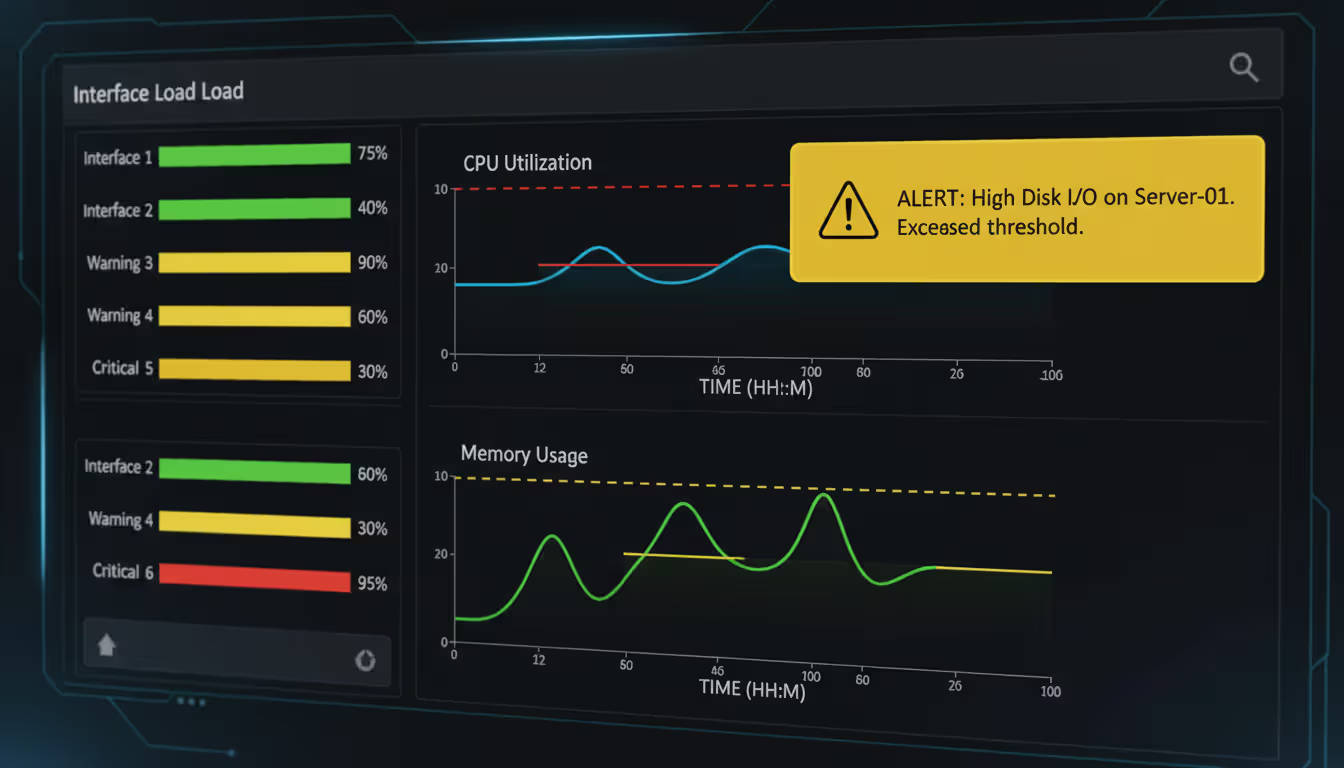
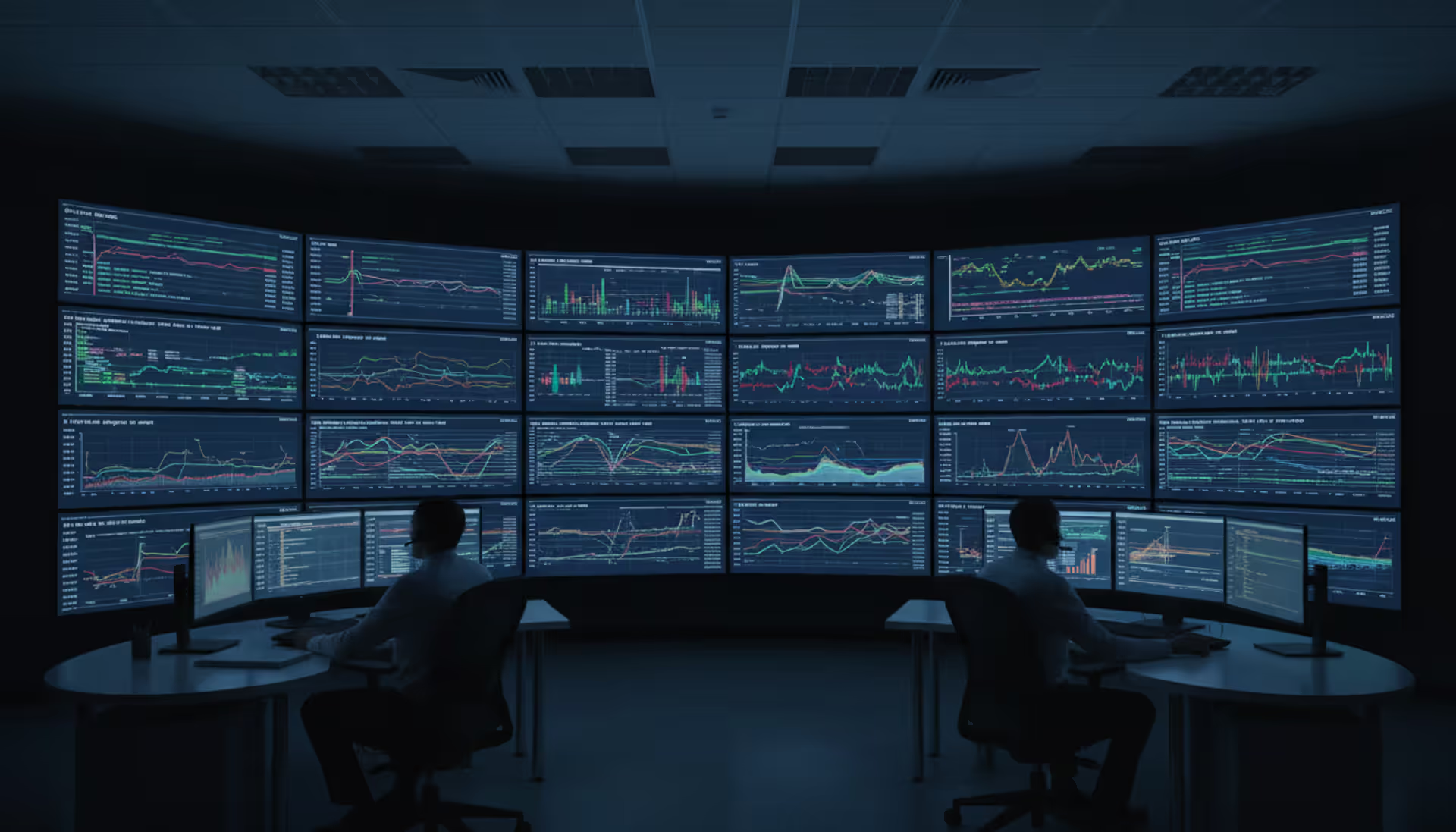
Network operations center with multiple large screens displaying bandwidth utilization graphs and network topology maps in a dark room with blue ambient lighting
Your video conference freezes mid-sentence. Large file uploads stall at 83%. Three people complain about "the internet being slow again" before lunch.
Network problems don't send you a polite notification. They show up as a dozen small frustrations that chip away at productivity until someone—usually you—has to figure out what's wrong.
You're probably past the point of asking should I monitor my network. The real questions are which monitoring approach fits my setup and how do I avoid drowning in metrics I'll never look at.
What Network Bandwidth Monitoring Means
Bandwidth monitoring tells you how much data flows through your network over specific time periods. You'll see measurements in megabits per second (Mbps) or gigabits per second (Gbps), broken down by router interfaces, switch ports, or entire network segments.
Here's where people get confused: bandwidth monitoring and traffic monitoring aren't the same thing, and mixing them up leads to buying the wrong tools.
When you monitor network bandwidth, you're essentially checking utilization—what percentage of your available capacity is in use right now. Your 500 Mbps internet connection is running at 380 Mbps during lunch hour. That's 76% utilization. That number tells you you're approaching capacity limits.
Traffic monitoring digs into the composition. It identifies which applications generate that 380 Mbps, who's using them, and where the data's headed. Maybe half that bandwidth comes from two people uploading videos to a client SharePoint site. Traffic monitoring reveals that detail.
Put another way: bandwidth monitoring shows you the "how much" picture. Traffic monitoring answers "what, who, and where."
You need both, honestly. Bandwidth metrics warn you about congestion before performance tanks. Traffic analysis explains the root cause so you can actually fix things instead of just complaining about "high bandwidth usage."
Modern networks throw another wrench into monitoring: encryption. In 2026, roughly 85% of web traffic uses TLS 1.3 or newer encryption protocols. You can still measure how much bandwidth those encrypted connections consume, but you can't peek inside the packets to see application details without SSL decryption at your monitoring points—which introduces its own complexity and privacy concerns.
Organizations running continuous bandwidth monitoring cut unplanned downtime by 47%. They spot capacity problems roughly three weeks before users start complaining
— Marcus Chen
Signs You Need to Monitor Your Network Traffic
Certain patterns scream "you're operating blind here."
Intermittent slowdowns that mysteriously fix themselves suggest bandwidth fights you can't see. Applications run fine at 3 PM but crawl at 10 AM. Someone mentions Zoom calls always lag on Tuesday mornings. These aren't random—they're symptoms of predictable congestion patterns you'd spot immediately with proper monitoring.
Unexpected data bills deserve investigation. Your ISP sends an overage charge for 2 TB beyond your plan. Which department burned through that data? Was it legitimate business use or someone's misconfigured backup software? Without traffic visibility, you're just paying the bill and hoping it doesn't happen again.
Security concerns multiply when you can't see traffic flows. Unusual outbound connections might mean compromised systems quietly exfiltrating data. Unexpected peer-to-peer traffic could indicate unauthorized file sharing—or worse, ransomware spreading laterally across your network. You need visibility to catch these patterns before they escalate.
Compliance requirements often mandate network monitoring. HIPAA auditors want proof you can detect unauthorized access to patient data. PCI-DSS requires tracking who accessed systems storing credit card information. CMMC level 2 and above demands network traffic monitoring for government contractors. These aren't nice-to-have features—they're audit checkboxes you either pass or fail.
Capacity planning decisions require actual data, not educated guesses. Should you upgrade from a 1 Gbps to 10 Gbps internet circuit? Does that $30,000 annual cost increase solve a real bottleneck or waste budget on unused capacity? Without historical bandwidth trends showing you're consistently hitting 85%+ utilization during business hours, you're just guessing.
Author: Logan Kessler;
Source: baltazor.com
How to Monitor Network Performance Step by Step
Choose the Right Monitoring Approach
Your monitoring strategy should match your network's complexity and your team's technical depth.
Small office networks—maybe a single internet connection, a router, and a couple switches—can start with built-in router monitoring. Most business-grade routers from Cisco, Ubiquiti, or Fortinet include basic traffic statistics through web dashboards. You won't get fancy reports, but you'll see which interfaces are busy and when.
Mid-sized networks with multiple sites need dedicated monitoring software. Install something like PRTG, Zabbix, or SolarWinds on a server (physical or virtual). These platforms poll your infrastructure devices via SNMP and centralize reporting across routers, switches, firewalls, and access points scattered across locations.
Enterprise environments typically deploy distributed monitoring architectures. You'll place collectors at each major site, feeding data back to centralized management platforms. Cloud-based monitoring services (Datadog, LogicMonitor, Auvik) eliminate the need to maintain your own servers, though they introduce monthly subscription costs that scale with device count.
Traffic volume matters when picking tools. Networks pushing 10 Gbps or more can't realistically capture every packet. You'll need flow-based monitoring—NetFlow from Cisco gear, sFlow from HP/Aruba switches, or IPFIX from various vendors. These technologies sample traffic statistically, giving you accurate distribution analysis without drowning in packet-level detail.
Set Up Baseline Measurements
You can't spot anomalies without knowing what normal looks like.
Run monitoring for at least two full weeks before configuring alerts. Bandwidth patterns vary dramatically by time of day, day of week, and business cycles. A law firm might see bandwidth spikes every Monday morning when attorneys catch up on emails. An accounting practice hits peak usage during tax season. Retail networks max out during Black Friday weekend.
Document your typical usage across different time periods. What does "normal" look like at 9 AM versus 9 PM? How does Tuesday compare to Saturday? What happens during month-end close when finance runs reports?
Record both average and peak utilization for each monitored link. Your main internet connection might average 35% utilization throughout the day but spike to 82% between 8:30 and 9:15 AM when everyone arrives and starts downloading emails. That morning peak matters more than the daily average when you're evaluating capacity.
Identify your bandwidth hogs. In most networks, 80% of traffic comes from 20% of applications. Maybe video conferencing, cloud backup, and ERP database synchronization account for the majority of your bandwidth. Knowing this helps prioritize optimization efforts—improving or scheduling those three use cases might solve most of your congestion problems.
Configure Alerts and Thresholds
Alerts convert monitoring data into action, but bad alert configuration creates noise everyone learns to ignore.
Start with conservative thresholds above your observed peaks. If your internet link typically maxes out at 72% during busy periods, set an initial alert at 85% sustained for five minutes. You want notifications about genuine problems, not normal business operations.
Implement tiered severity levels. A warning at 80% utilization might email the network team. Critical status at 95% could page on-call staff and notify management. This graduated response ensures appropriate urgency without crying wolf.
Author: Logan Kessler;
Source: baltazor.com
Use time-based suppression for known events. If nightly backups always saturate your WAN link between 2 AM and 4 AM, either suppress alerts during that window or raise thresholds specifically for those hours. Otherwise you'll wake someone up every night about something totally expected.
Monitor inbound and outbound traffic separately. Asymmetric patterns often signal specific issues. Heavy outbound traffic with light inbound might indicate data exfiltration or misconfigured cloud backups. Massive inbound spikes could mean DDoS attacks or someone downloading a huge file.
Configure alerts for sudden changes, not just absolute thresholds. Bandwidth jumping 300% in ten minutes deserves investigation even if total utilization stays below 50%. These rapid changes often indicate problems even when the raw numbers look acceptable.
Types of Monitor Network Software
Different tools solve different problems. Here's what each category actually does well—and where they fall short.
SNMP-based tools query your network devices for statistics they already maintain internally—interface byte counts, error tallies, CPU load, uptime figures. These platforms work with virtually any managed network hardware and create minimal overhead. The limitation? SNMP shows you aggregate numbers but doesn't explain what's causing them. You'll know an interface is saturated without knowing which application or user is responsible.
Packet sniffers like Wireshark or tcpdump capture raw network traffic for detailed examination. You can decode hundreds of protocols and see exactly what's happening down to individual packet fields. The downside: capturing full packets on busy networks generates massive data volumes fast. A 10 Gbps link at 50% utilization produces roughly 2 terabytes per hour. Packet capture works better for targeted troubleshooting sessions than continuous monitoring.
Flow-based analyzers occupy the middle ground. Your routers and switches generate flow records—statistical summaries showing source/destination addresses, ports, protocols, byte counts, and timestamps for each connection. Tools like Scrutinizer, NetFlow Analyzer, or nTop collect these records and build reports showing traffic patterns. You get visibility into who's talking to whom without storing full packets. Most enterprise gear can generate flow data with negligible performance impact.
All-in-one platforms combine multiple monitoring technologies into integrated suites. These systems might collect SNMP metrics, process flow exports, trigger occasional packet captures, monitor application response times, and track wireless client connections—all feeding into unified dashboards and alert engines. The comprehensive approach simplifies management but increases both complexity and cost.
Cloud-based monitoring shifts infrastructure burden to providers who maintain collectors, databases, and reporting systems. You deploy lightweight agents or configure flow exports pointing to their collection endpoints. This scales easily and eliminates server management overhead, but introduces ongoing subscription costs and requires trusting a third party with your network metadata.
How to Monitor All Network Traffic Without Slowing Down Your System
Complete visibility requires smart placement of monitoring points—you need to see everything without becoming the bottleneck you're trying to detect.
Port mirroring (Cisco calls it SPAN, other vendors use different names) copies traffic from monitored ports to a designated mirror port where your monitoring system connects. Most managed switches support this feature. The catch: switches have limited mirroring capacity. Trying to mirror four 10 Gbps ports to a single 10 Gbps monitoring port overwhelms the switch's internal architecture. You'll start dropping packets—which defeats the purpose.
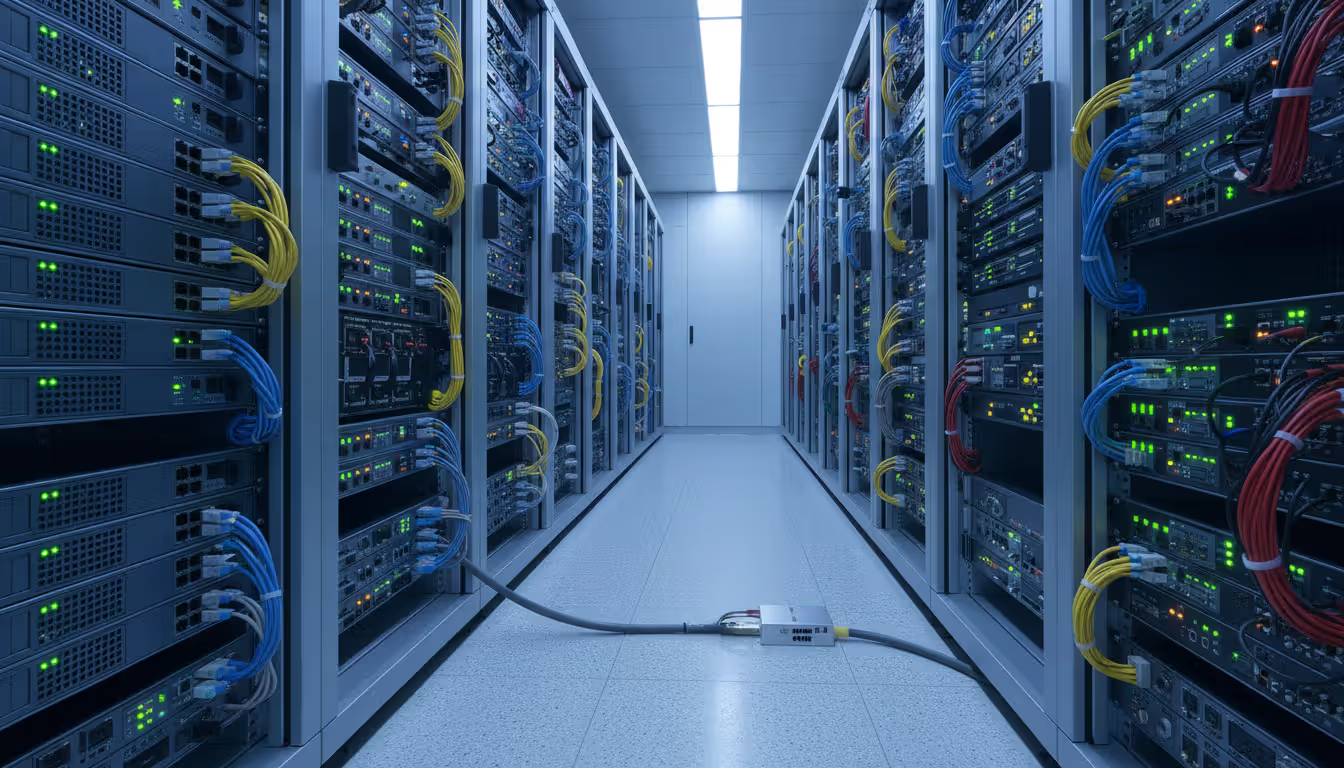
Network TAPs (test access points) provide hardware-based traffic copying. Insert a TAP inline on a cable run, and it optically or electrically splits the signal. Original traffic passes through unaffected while a copy goes to monitoring tools. TAPs can't drop packets or introduce latency since they're purely passive devices. The downside: they cost $500 to $5,000 each depending on speed and features, plus you need physical access to install them.
Agent-based monitoring installs software on endpoints—servers, desktops, virtual machines—that reports local traffic statistics to central collectors. This provides detailed per-system visibility without needing infrastructure changes. The tradeoff: deploying and maintaining agents on hundreds or thousands of systems takes effort, plus those agents consume CPU and memory on the systems you're monitoring.
Agentless monitoring relies on network devices providing data through SNMP, flow exports, or API calls. This scales more easily and imposes zero load on endpoints, but provides less granular detail. You see aggregate traffic for network segments rather than per-process metrics for individual servers.
Sampling becomes essential for high-volume environments. Instead of examining every packet, analyze a representative subset—maybe 1 in 100 packets, or 1 in 1,000 for really fast links. Statistical sampling gives accurate traffic distribution with 99% less data volume. Flow-based monitoring inherently uses sampling since routers generate flow records for a fraction of connections.
Intelligent filtering focuses resources on valuable traffic. Capture all DNS queries (low volume, high security value) while only sampling HTTPS traffic (high volume, less critical). Application-specific filtering prioritizes business applications over background chatter.
Deploy monitoring infrastructure out-of-band whenever possible. Connect collectors, analyzers, and reporting servers through separate management networks so they don't compete with production traffic. A monitoring system that consumes the bandwidth it's trying to measure creates absurd feedback loops.
Author: Logan Kessler;
Source: baltazor.com
Common Mistakes When Monitoring Network Bandwidth
Organizations invest thousands in monitoring tools then sabotage themselves with configuration mistakes and strategic oversights.
Skipping baseline measurements renders alerts meaningless. Setting an 80% bandwidth threshold sounds reasonable until you discover your network normally runs at 75% during business hours. You'll get flooded with false positives while missing genuine anomalies that fall within your arbitrary threshold but outside normal patterns.
Ignoring encrypted traffic creates blind spots in modern networks. You can measure bandwidth consumed by TLS connections, but without SSL decryption capabilities—usually implemented through proxy servers that decrypt, inspect, and re-encrypt traffic—you can't identify specific applications or detect malicious payloads hidden inside encrypted channels. SSL inspection solves this but introduces latency, complexity, certificate management headaches, and potential privacy issues.
Over-monitoring wastes storage and obscures important signals. Polling devices every 20 seconds instead of every 5 minutes generates 15 times more data with negligible additional insight. Store granular metrics short-term (5-minute intervals for the past week) but aggregate to hourly or daily summaries for long-term history. This balances detail when you need it with sustainable storage costs.
Author: Logan Kessler;
Source: baltazor.com
Poor alert tuning generates either notification storms (leading to alert fatigue where everyone ignores warnings) or radio silence (missing critical issues). Effective alerting requires environment-specific thresholds, maintenance window suppression, and severity-based escalation. An interface hitting 95% utilization for 45 seconds might self-correct; sustaining that level for 15 minutes demands investigation.
Focusing exclusively on bandwidth while ignoring error rates, discards, and retransmissions misses crucial performance indicators. A link at 60% utilization might still deliver terrible application performance if it's experiencing 2% packet loss or excessive retransmissions. Quality metrics matter as much as quantity.
Collecting data nobody reviews provides zero value. Spending $10,000 on monitoring software that generates reports nobody reads is worse than not monitoring—at least then you're not wasting money. Schedule regular review sessions: weekly for immediate issues, monthly for trends, quarterly for capacity planning. Assign specific people responsibility for acting on findings.
Failing to correlate network metrics with application performance creates incomplete pictures. Network bandwidth might look fine while applications suffer from latency, jitter, or out-of-order packet delivery that bandwidth graphs don't reveal. Integrate network monitoring with application performance management for complete visibility.
FAQ
What's the actual difference between bandwidth monitoring and traffic monitoring?
Bandwidth monitoring measures volume and utilization rates—how much data flows through connections and what percentage of capacity you're consuming. Traffic monitoring examines composition—which applications, protocols, users, and endpoints generate that data. If your internet link is 70% full, bandwidth monitoring tells you that. Traffic monitoring reveals that 40% is video conferencing, 20% is cloud backup, and 10% is someone's Netflix habit. You need bandwidth monitoring to spot capacity problems and traffic monitoring to understand root causes.
Can I monitor network bandwidth without installing software on every computer?
Absolutely. Infrastructure-based monitoring requires no endpoint software. Enable NetFlow or sFlow exports on your routers and switches, or grant SNMP read access to monitoring platforms. This agentless approach provides network-wide visibility without touching individual computers. You'll see aggregated traffic patterns and identify which devices generate traffic without needing per-application details. Install agents only if you need deep visibility into specific server processes or want per-application metrics from workstations.
How do I know if I'm monitoring too much?
You're over-monitoring when collection frequency exceeds what you can analyze or act upon. Polling every 30 seconds versus every 5 minutes rarely provides actionable intelligence but balloons database size. If you can't respond to issues within 5 minutes, polling every minute wastes resources. Match monitoring granularity to response capabilities. Store detailed data short-term and aggregate to summaries for long-term retention—5-minute intervals for recent history, hourly averages for the past month, daily summaries for the past year.
What's my first move after detecting unusual network traffic?
Verify the anomaly represents a real problem rather than a monitoring glitch or planned activity. Check whether the traffic matches scheduled backups, software updates, or known maintenance windows someone forgot to mention. If unusual traffic persists, identify source and destination systems, involved protocols and ports, and traffic volume. For suspected security issues, isolate questionable systems from the network before they spread problems. Document everything with timestamps, traffic details, and affected systems. Preserve evidence before making changes, and consider engaging incident response resources for potential security breaches.
Do I actually need special hardware to monitor all traffic?
Not necessarily. Many networks achieve comprehensive monitoring using existing infrastructure. Managed switches handle port mirroring, routers export flow data, firewalls generate traffic logs—no additional hardware required. Dedicated monitoring appliances or network TAPs become valuable for really fast networks (10 Gbps or faster), compliance requirements mandating continuous packet capture, or situations where switch mirroring capacity can't handle the load. Start with built-in capabilities before buying specialized hardware.
How often should someone actually look at network performance reports?
Establish a tiered review schedule. Check real-time dashboards daily to validate alerts and catch immediate issues. Review weekly reports to spot emerging trends, recurring problems, or unusual patterns needing investigation. Conduct monthly analyses for capacity planning, bandwidth trending, and application performance assessment. Quarterly reviews should inform budget requests, infrastructure upgrades, and strategic architecture decisions. The key: assign specific people responsibility so reviews happen consistently rather than only during emergencies.
Effective bandwidth monitoring shifts network management from constant firefighting to strategic resource management. You'll understand performance bottlenecks before users complain, plan capacity upgrades based on actual data rather than guesswork, and catch security issues while they're still containable.
The right approach matches your specific network and skills. Small networks benefit from router-based monitoring and simple SNMP tools. Growing organizations need flow-based analyzers that scale with increasing complexity. Enterprise environments require comprehensive platforms correlating network metrics with application performance and security intelligence.
Success depends less on tool selection than consistent implementation. Establish baselines so you recognize anomalies. Configure meaningful alerts that prompt action without generating noise. Review data regularly—weekly for tactical issues, monthly for trends, quarterly for planning. Most importantly, act on findings instead of just collecting endless metrics.
Start with clear objectives. Are you troubleshooting performance complaints? Planning capacity upgrades? Meeting compliance requirements? Hunting security threats? Your goals determine which metrics matter, how much detail you need, and where to focus monitoring resources.
Build incrementally. Get basic bandwidth monitoring working first. Validate it provides value. Then expand to traffic analysis, add more monitoring points, integrate additional data sources. Each step should solve specific problems before adding complexity.
The best-performing networks in 2026 aren't necessarily those with the fastest links or newest equipment. They're the ones whose administrators understand exactly how resources are consumed and make informed decisions based on data rather than assumptions. That understanding starts with effective monitoring—and the willingness to actually use the data you collect.
Virtual desktop infrastructure represents a fundamental shift in how organizations deliver computing resources. Learn about VDI architecture, deployment models (on-premises, cloud, hybrid), implementation costs, use cases, and how to select the right solution for remote work and centralized management needs
Network administrators who rely on hourly snapshots discover problems only after users complain. A real time network traffic monitor shows what's happening at this exact moment—every packet, every connection, every anomaly as it occurs. Learn how these systems work and how to implement them effectively
Public cloud storage has become the backbone of modern data infrastructure, powering everything from smartphone photo backups to enterprise disaster recovery systems. Learn how it works, key benefits and limitations, security considerations, and how to choose the right provider for your needs
Choosing between on-premise and cloud infrastructure affects budget, security, compliance, and agility. Understand cost structures, security trade-offs, and migration planning to make informed decisions aligned with your business requirements and strategic goals
The content on this website is provided for general informational and educational purposes only. It is intended to explain concepts related to cloud computing, computer networking, infrastructure, and modern IT systems.
All information on this website, including articles, guides, and examples, is presented for general educational purposes. Technology implementations may vary depending on specific environments, business needs, infrastructure design, and technical requirements.
This website does not provide professional IT, engineering, or technical advice, and the information presented should not be used as a substitute for consultation with qualified IT professionals.
The website and its authors are not responsible for any errors or omissions, or for any outcomes resulting from decisions made based on the information provided on this website.